




How Software Payment Bridge Works With ShopConnect Pro
Keep Your Software. Upgrade Your Payments.
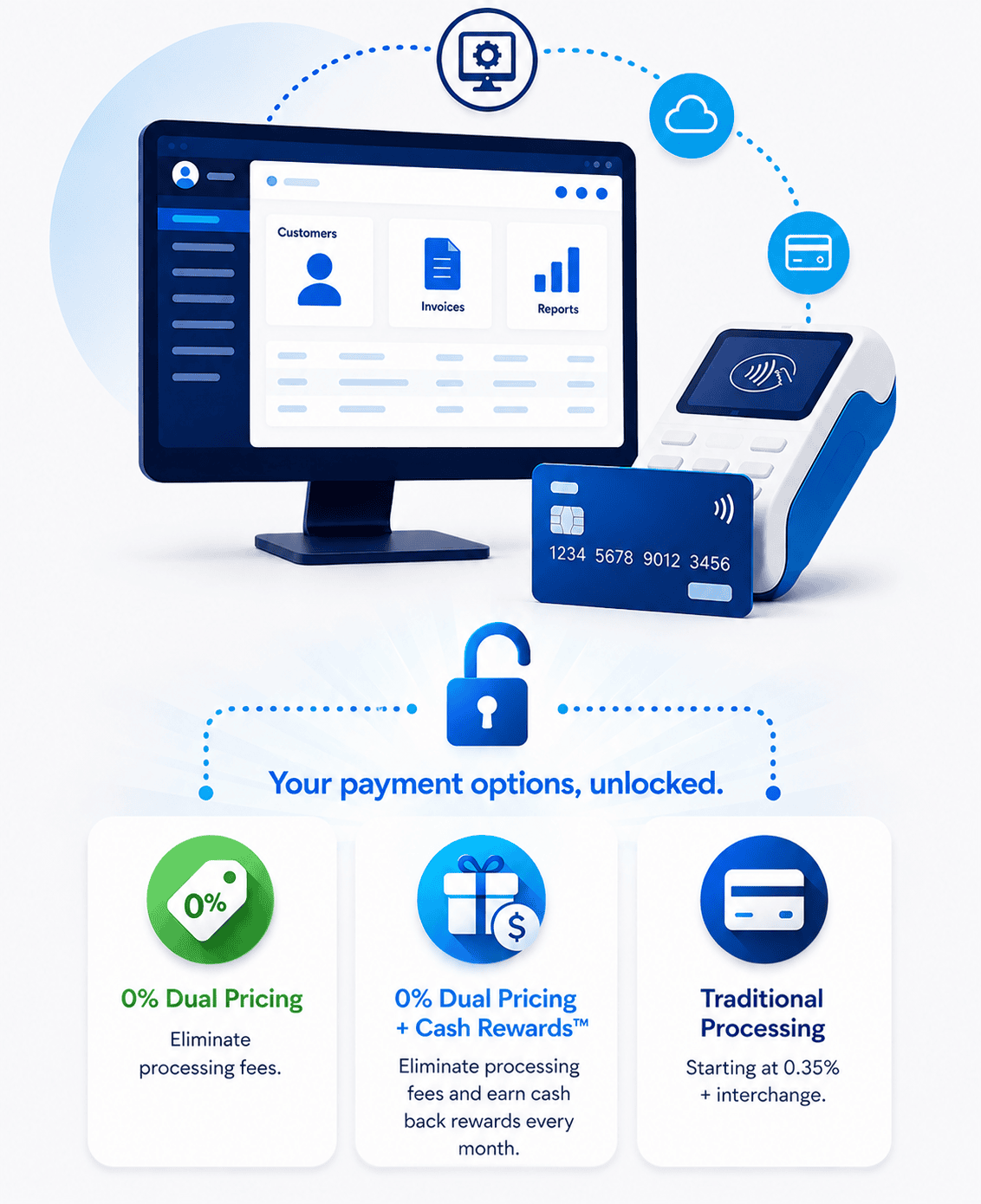
Your software.
Your payment options, unlocked.
The software you rely on shouldn’t determine how your business gets paid.
Keep the software you already use. Choose the payment option that works best for your business.
Benefits
✔ Keep the software you already know
✔ Choose the payment option that fits your business
✔ Reduce payment costs by 40–95%
✔ No double entry. Auto reconciliation posts the payment to your invoice the moment it settles.
Available in:
✔ 0% Dual Pricing
✔ 0% Dual Pricing + Monthly Cash Rewards
✔ Traditional Processing from 0.35% Interchange Plus
See What You Could Save.
Estimate Your Savings
Move the slider and select your software to see your potential savings.
Your Payment Options, Unlocked.
Compare three ways to lower your processing costs while keeping your software.
Traditional Processing
$100–$175Estimated monthly savings versus the comparison rate using a typical 2.2%–2.5% effective all-in range.
0% Dual Pricing
Near $0Estimated merchant processing cost when a compliant customer-paid program is used.
0% Dual Pricing + Monthly Cash Rewards
Near $0Your Estimated Monthly Cash Rewards
Get Your Personalized Comparison
Upload a recent merchant processing statement and we’ll prepare three customized pricing options for your business. It’s free, fast, and there’s no obligation.
Keep Your Software.
Here’s Who We Integrate With.
Keep the software you already know. These supported platforms offer dedicated integrations with automatic reconciliation for a seamless payment experience.
Don’t see your software? Contact us. New integrations are added regularly.
Your software.
Your payment options, unlocked.

Keep the software you already know.
Unlock better ways to get paid.
✔ Keep the software you already know
✔ No double entry. Auto reconciliation posts the payment to your invoice the moment it settles.
✔ More payment options for your customers
✔ Reduce payment costs by 40–95%
✔ Next-day funding available
✔ U.S.-based implementation and support
Software Payment Bridge.
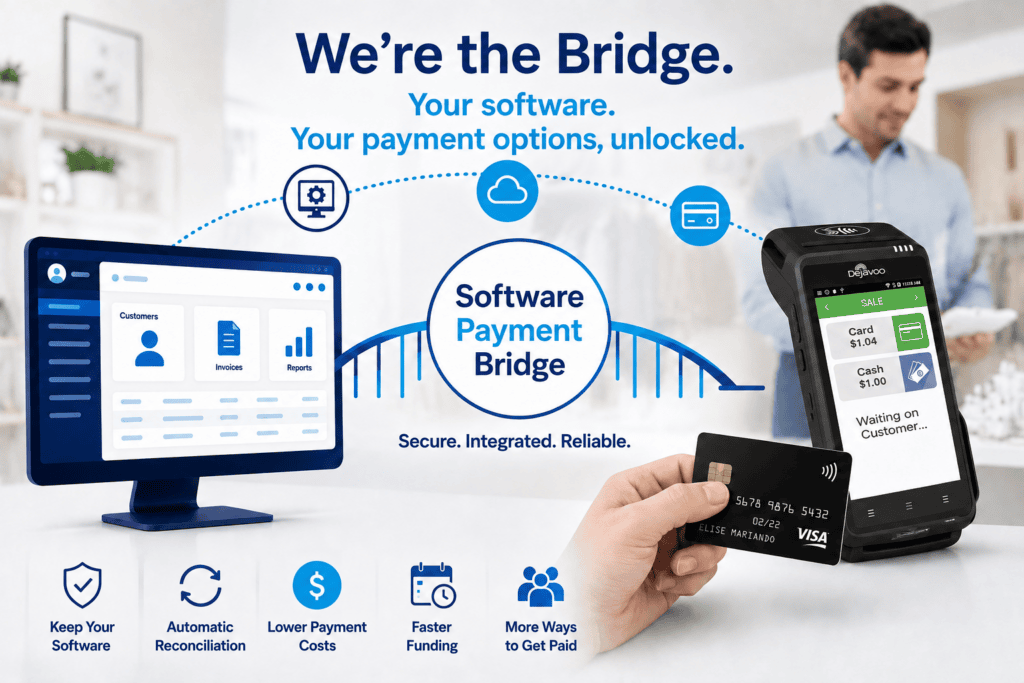
Same software.
Better payment options.
✔ Keep the software you already know
✔ No software migration required
✔ Automatic reconciliation on supported software
✔ Accept ACH Pay-by-Bank
✔ Dual Pricing
✔ Send Payment Links
✔ Mobile Payments
Connect your software to the payment solution that’s right for your business and lower rates.
Find the Right Payment Solution for Your Business.
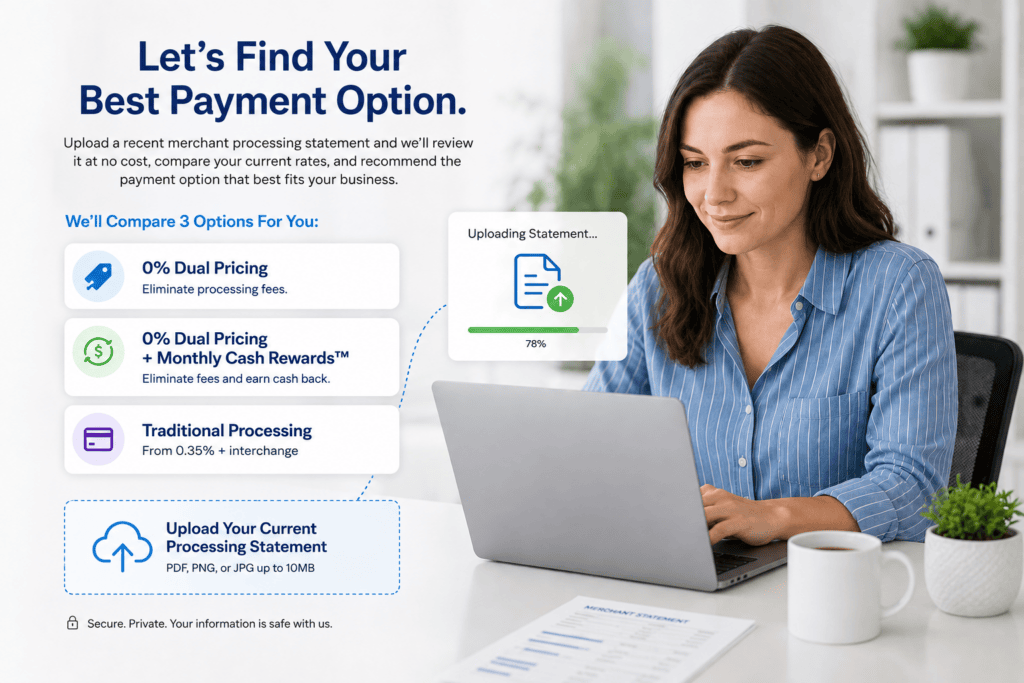
Three Rate Options In Writing.
Let’s Compare Your Options.
Upload a recent merchant processing statement and we’ll review it at no cost, compare your current rates, and recommend the payment option that best fits your business.
✔ 0% Dual Pricing
✔ 0% Dual Pricing + Monthly Cash Rewards™
✔ Traditional Processing from 0.35% + Interchange
Find Out Below ⬇️
Upload Your Current Processing Statement To See Rate Savings With Software Payment Bridge
Questions? Call or text Greg Kapitan at 801-205-1955.
Payment Solutions That Work With Your Software.

In-Person Payments
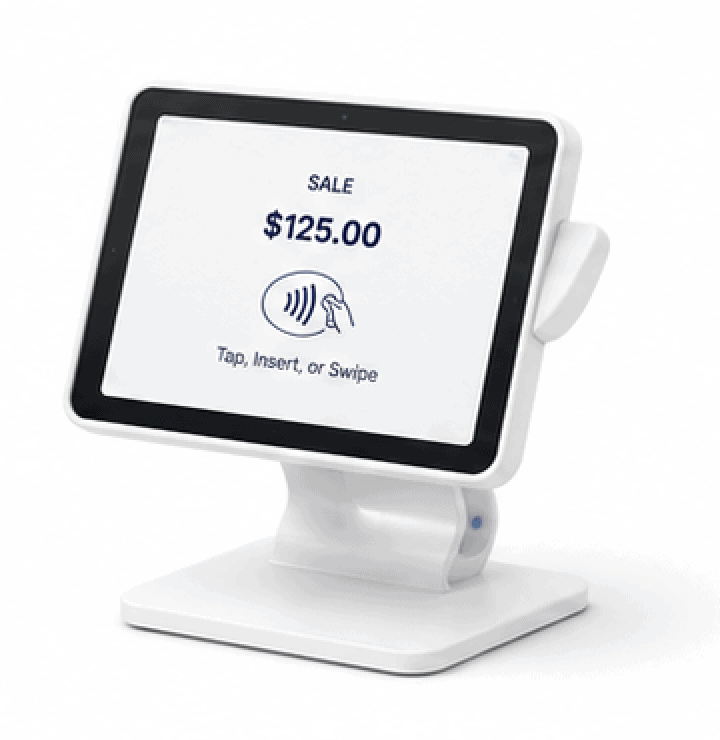
Mobile Payments

Text-to-Pay
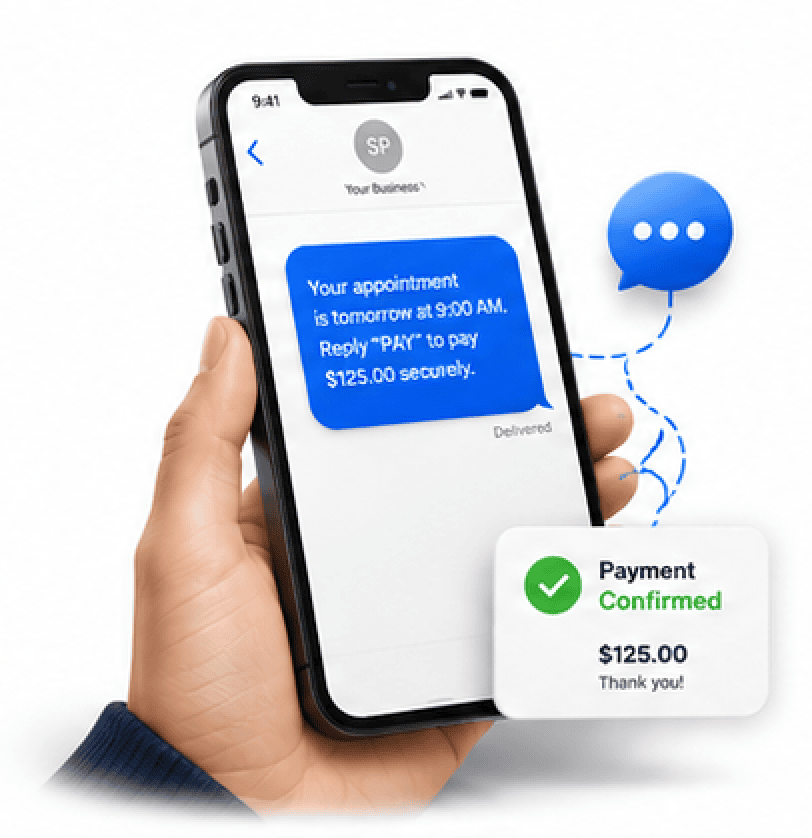
Payment Links
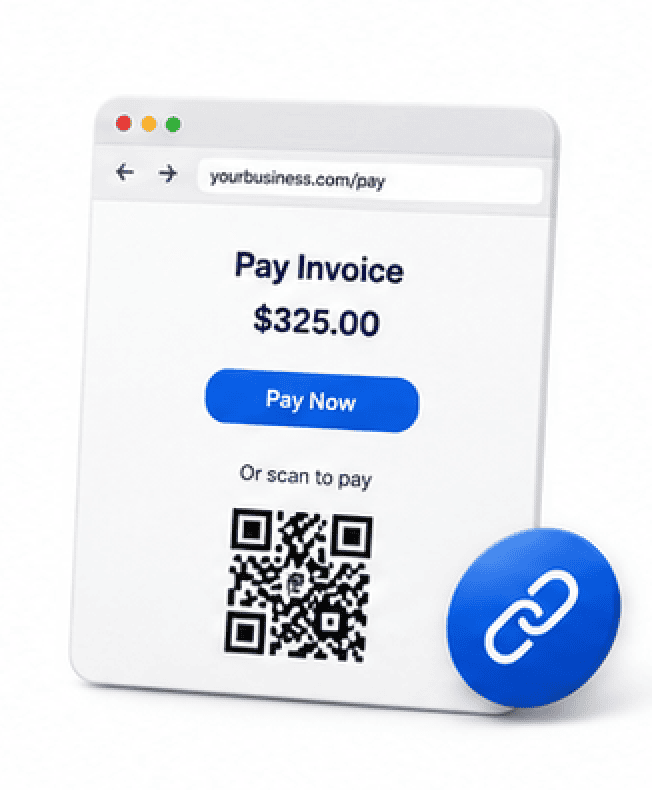
ACH Payments
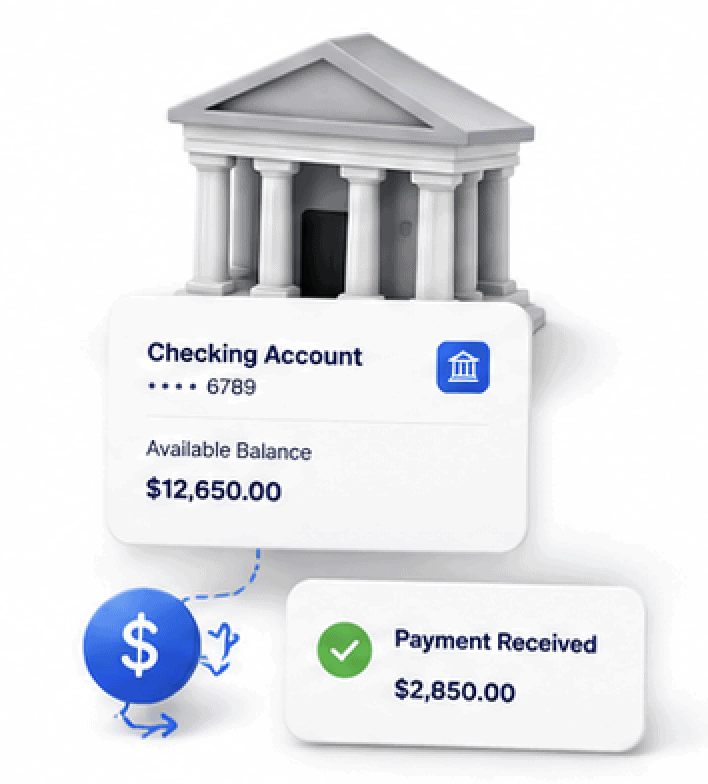
Emailing Invoices
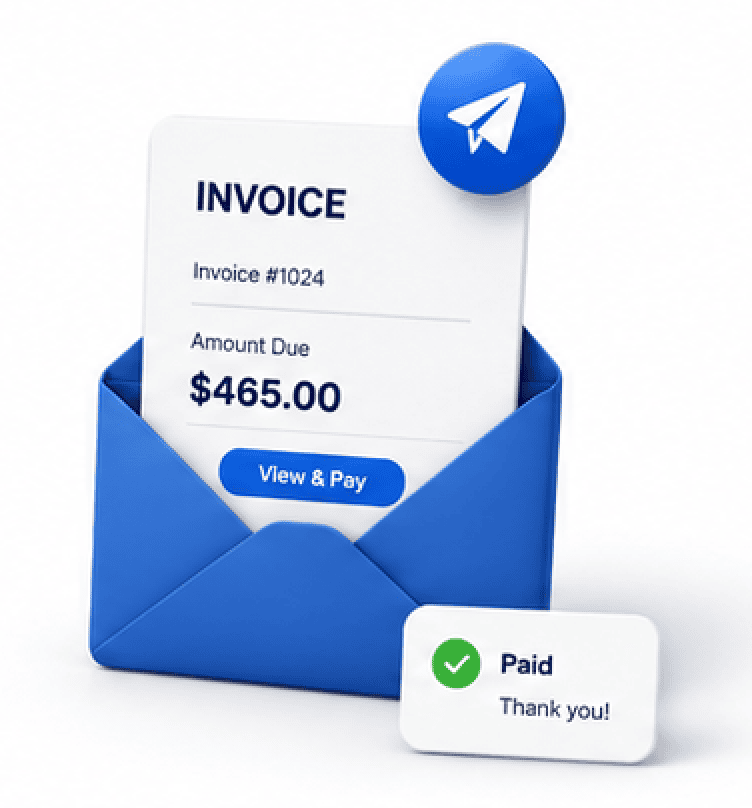
Ready to Bridge Your Software to Better Payments?

Discover how much you could save while keeping the software you already know.
Contact Software Payment Bridge today for a free compatibility review and personalized payment consultation.
Hello, I’m Greg Kapitan, your Payment Technology Consultant with Software Payment Bridge by iSmart Payments.
Greg Kapitan
Founder • Software Payment Bridge
Payment Technology Consultant Since 2009
Software Payment Bridge FAQs
Getting Started
Do I have to replace my current software?
No. That’s the entire purpose of Software Payment Bridge. You continue using the software your team already knows while upgrading only your payment processing. There is no software migration, no employee retraining, and no need to move customer records, invoices, or your existing workflow to another platform.
How does Software Payment Bridge work?
Software Payment Bridge connects supported software platforms to a better payment solution through ShopConnect Pro. Payments are processed securely and, on supported integrations, automatically reconcile back into your software. Your invoices stay synchronized while payment information flows securely between systems without requiring manual entry.
What is automatic reconciliation?
Automatic reconciliation means payment information is posted back into your supported software automatically after each transaction is processed. Instead of manually recording payments, invoices update in real time, helping reduce errors, eliminate duplicate work, and save your staff valuable time throughout the business day.
Will my employees have to learn a new system?
No. Your employees continue using the same software and workflow they already know. Software Payment Bridge works behind the scenes with supported integrations, allowing your staff to process payments more efficiently without changing their daily routines or spending time learning an entirely new system.
Software Payment Bridge Options
What payment options can I choose?
Every business has different goals, which is why Software Payment Bridge offers three flexible payment options. After reviewing your current merchant processing statement, we’ll prepare a customized comparison that includes:
✔ 0% Dual Pricing
✔ 0% Dual Pricing + Monthly Cash Rewards
✔ Traditional Processing from 0.35% + interchange
We’ll explain how each option works so you can confidently choose the one that best fits your business.
Which payment option is right for my business?
The best payment option depends on your business goals, customer base, and monthly processing volume.
✔ 0% Dual Pricing – Ideal for businesses wanting to eliminate credit card processing fees.
✔ 0% Dual Pricing + Monthly Cash Rewards™ – Ideal for businesses wanting to eliminate processing fees while earning Monthly Cash Rewards.
✔ Traditional Processing – Ideal for businesses that prefer interchange-plus pricing starting from 0.35% + interchange.
We’ll review your current processing statement and recommend the option that makes the most financial sense.
How do I compare all three payment options?
Getting started is simple. Upload a recent merchant processing statement and we’ll prepare a personalized comparison showing all three available payment options, estimated savings, and available features. There is no cost, no obligation, and no pressure to make a change.
Your personalized comparison includes:
✔ Estimated monthly savings
✔ Side-by-side pricing comparison
✔ Payment features available
✔ Our recommendation based on your business
What happens after I upload my merchant processing statement?
After you upload your statement, we’ll carefully review your current payment processing and prepare a personalized comparison. You’ll receive three customized payment options, estimated savings, and our recommendation based on your software, processing volume, and business goals—all with no cost or obligation.
Security, Software & Support
Which software platforms are supported?
Software Payment Bridge supports many popular software platforms through ShopConnect Pro, including solutions for automotive repair, field service, contractors, accounting, legal, wellness, CRM, and other industries. New integrations continue to be added, making it easier for businesses to improve payments without changing software.
Is my customer payment information secure?
Yes. Transactions are processed using secure, PCI-compliant payment technology designed to help protect both your business and your customers. Payment information is encrypted during transmission, and supported integrations securely exchange payment data while helping maintain accurate records inside your software.
How quickly are deposits funded?
Most approved businesses qualify for next-business-day funding, helping improve cash flow and reduce waiting for deposits. Once payments are processed successfully, funds are deposited directly into your business bank account as quickly as the next business day, depending on approval and processing schedules.
How do I find out which pricing option is best?
Simply upload a recent merchant processing statement using our secure online form. We’ll review your current rates at no cost and prepare three customized pricing options, allowing you to compare savings, features, and payment flexibility before deciding which solution is right for your business.